Free Grafix tools
Social Media Image Resizer
Crop and resize any image to the exact size each platform wants — square posts, Stories and Reels, portrait posts, or banners.
100% free No signup needed
1. Upload your image or choose a sample
Supports PNG, JPG, WebP images. Unlimited free downloads.
Quick Samples:
Cropped Preview (1:1 Feed Post)
1080 x 1080 px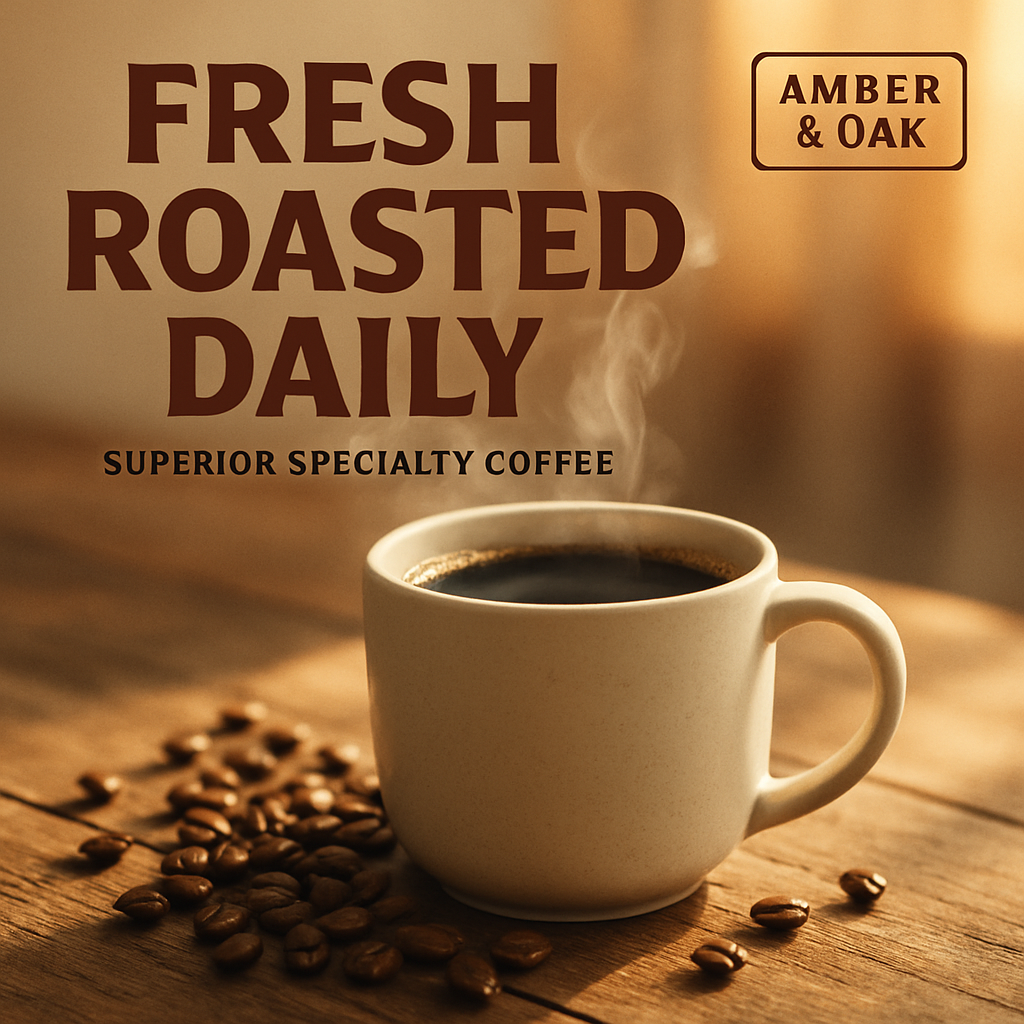
1080 x 1080 px
100% Free · No watermark · High resolution
Next: Brand Your Image!
Turn this image into 6 on-brand ads with AI
Your image is resized! Want to automatically add your logo, brand colors, fonts, and matching copy in seconds?
How the image resizer works
Pick an image and a format, and the resizer center-crops it to that format's exact pixel size right in your browser, then downloads a PNG. Your image is never uploaded to a server. Use 1:1 (1080×1080) for feed posts, 4:5 (1080×1350) for portrait posts that take up more of the feed, 9:16 (1080×1920) for Stories and Reels, and 16:9 (1920×1080) for banners and YouTube thumbnails.
Frequently asked questions
- Is my image uploaded anywhere?
- No. Cropping and resizing happen entirely in your browser; the file never leaves your device.
- Which size should I use for Instagram?
- 1080×1350 (4:5) takes up the most space in the feed; 1080×1080 (1:1) is the classic square; 1080×1920 (9:16) is for Stories and Reels.
- Is there a watermark?
- No. Downloads are free, full resolution, and unwatermarked.